Graphics mathematics gallery
These headless examples turn supported gem operations into inspectable geometry and lighting. All inputs are generated in code. SVG diagrams use consistent colors: blue for primary geometry, orange for a second operation, green for a result or finer sampling. Each page explains the coordinate convention and the independent numerical reference.
| Visual | What to inspect | Executable source |
|---|---|---|
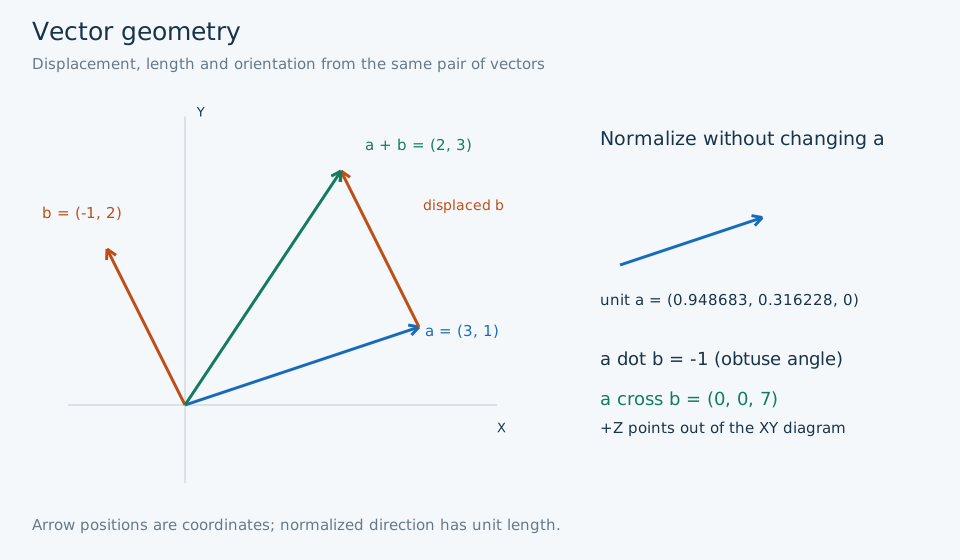
| Vector geometry | Addition as displacement, unit direction, dot and cross orientation | scenes.py |
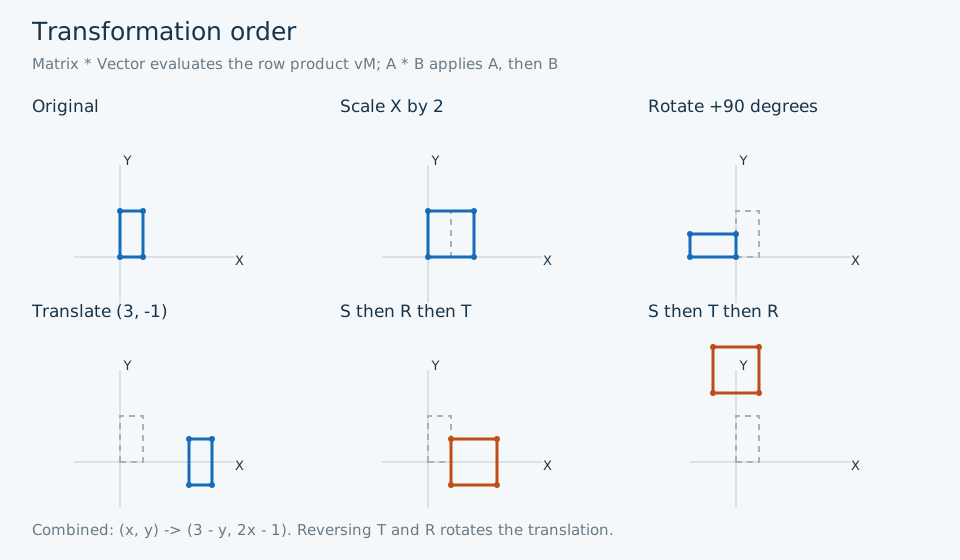
| Transformation order | Scale, rotation, translation and noncommuting order | scenes.py |
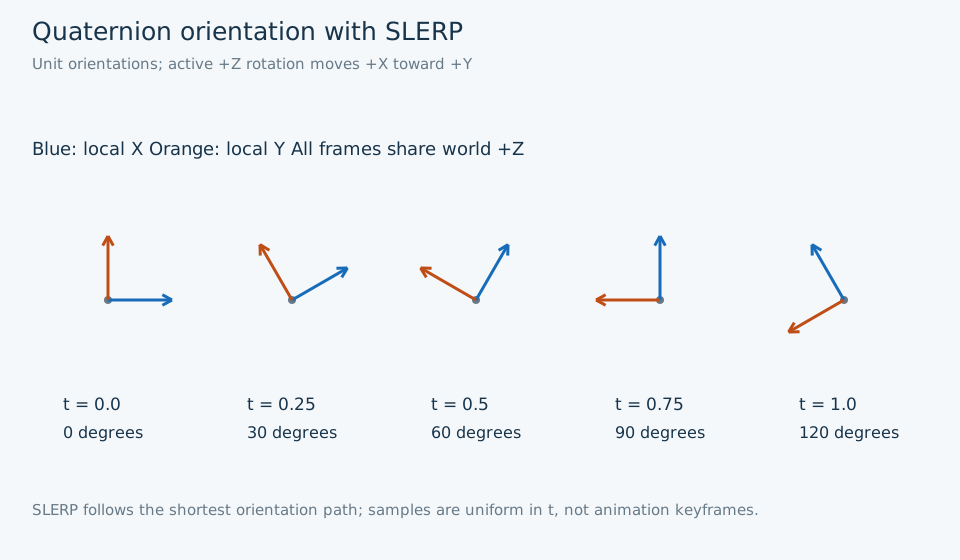
| Quaternion orientation | Five SLERP coordinate frames | scenes.py |
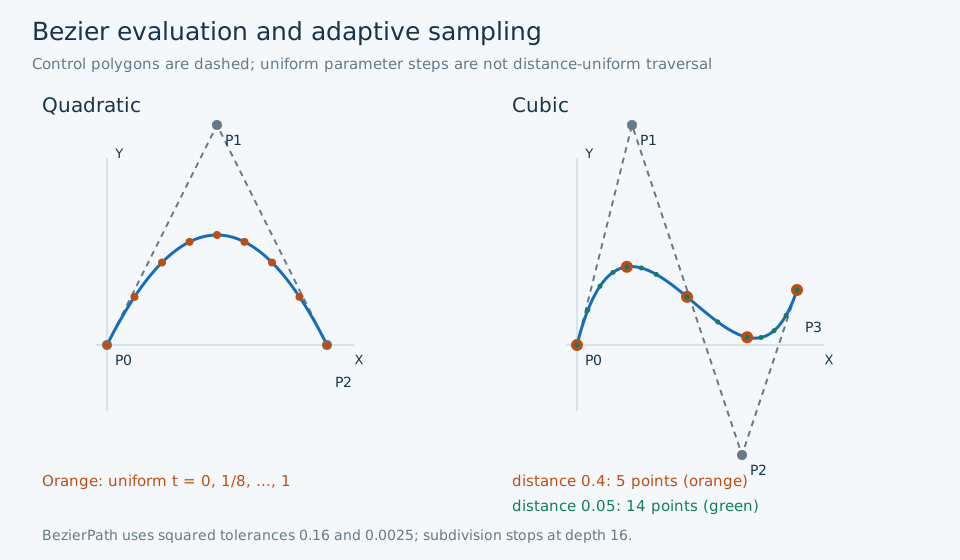
| Bezier sampling | Control polygons, uniform t and adaptive tolerances | scenes.py |
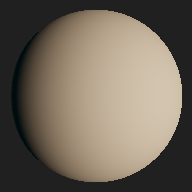
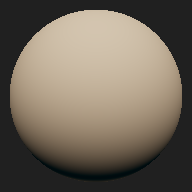
| SH environment lighting | Same diffuse sphere under original and rotated HDR lighting | HDR renderer |
Regenerate and verify
python -m examples.showcase.regenerate
python -m examples.showcase.regenerate --verify
python -m examples.hdr_sh.regenerate --output-dir /tmp/gem-gallery-hdr
The SVG command requires only Python and gem's existing six dependency. No external images or fonts are fetched. HDR output is generated separately to a scratch directory so the canonical reference remains unchanged. The asset manifest names all inputs, outputs, dimensions and acceptance checks. See verification for executed results and example instructions for isolated wheel use.
These are CPU reference calculations and diagrams. They do not create an OpenGL context or render through a GPU shader. No new core mathematical APIs are added. Continue with the tutorials, API reference or documentation index.
On a small screen, open an SVG at full size and zoom without losing detail: vector diagram, transformation diagram, SLERP frames, or Bezier diagram. Each linked explanation above provides the caption, numerical reference and source.